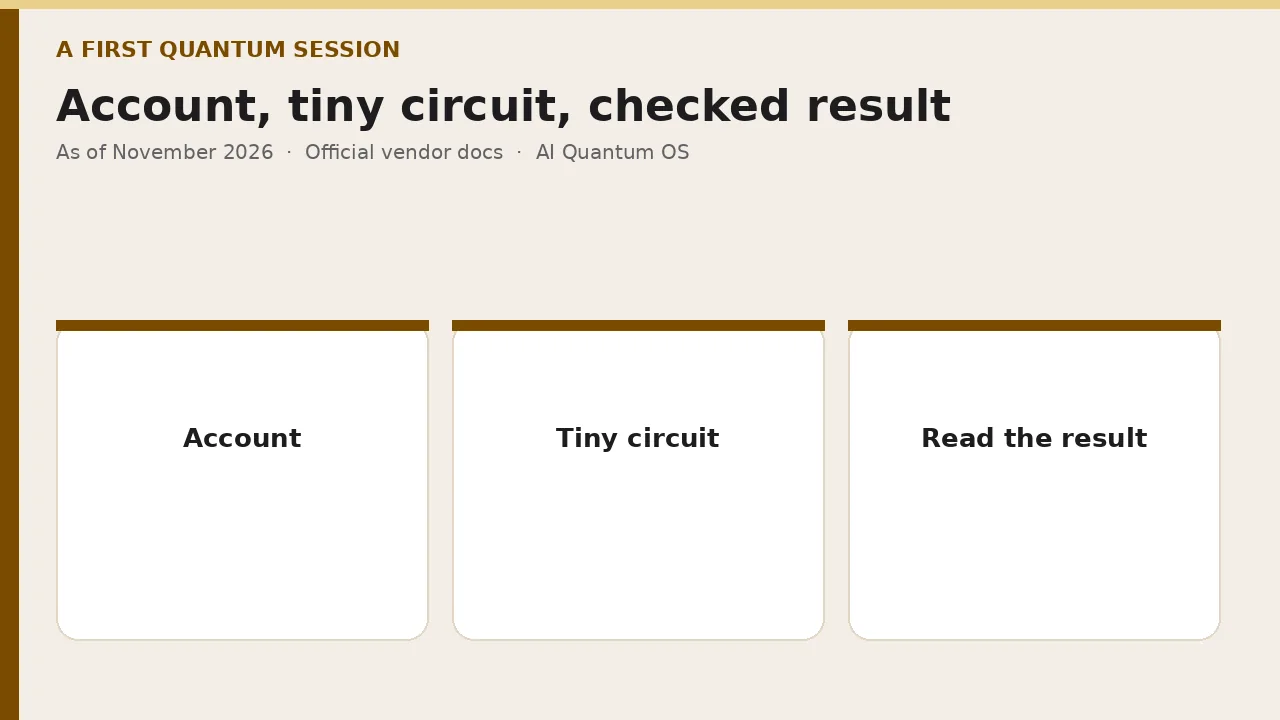
Your first session on a quantum cloud, without the folklore
The first honest session is shorter than a bootcamp. As of November 2026, IBM’s official hello-world guide is the clearest free path: create an IBM Quantum Platform account, save credentials, run a tiny circuit, and read the result. This article follows that official path and stops before anyone invents a queue time or a price.
Sponsored placement
This space is available for an education-friendly sponsor. No advertiser is listed here yet, and nothing here is an endorsement.
A first session on a quantum cloud should feel slightly underwhelming. That is a good sign. You are not discovering a new law of nature. You are opening an official account, running a circuit that has been in textbooks for decades, and learning how the shop counter works: keys, instances, jobs, and a result that may take a while to come back. As of November 2026, the clearest documented free path for a newcomer is IBM’s own hello-world guide on IBM Quantum Platform.
Start with the official pages, not a random notebook. IBM’s cloud-setup guide and the plans overview tell you to create an account, then an Open Plan instance in us-east. The Open Plan is documented as the Resource Unit equivalent of up to 10 minutes of QPU time in each 28-day rolling window. That number is a vendor fact from November 2026 and may change — read the current page. Then follow IBM’s ‘Run your first circuit on hardware’ guide. It tells you which packages to install, how to generate an API key, how to copy an instance CRN, and how to save credentials with Qiskit Runtime. It also warns you not to use the simple save-account path on a public or untrusted computer.
The official Qiskit video above is a vendor introduction to using a quantum computer today. Use it as orientation, then do the work from the written hello-world page so the commands you type match the current SDK. The worked example on that page is a small entangled circuit, not a logistics solver. Run it, read the result, and write down the backend and the date. If you want a second cloud later, use Amazon Braket’s or Azure Quantum’s official getting-started guides, and expect a different account model. If you want more hardware time, read our article on getting time on IBM, IonQ and Quantinuum systems, and then the official pricing pages — not a forum rumour.
A first IBM Quantum session, as official docs describe it in November 2026
| Step | What official IBM docs ask you to do | What to watch |
|---|---|---|
| Get an account and an Open Plan instance | Official setup and plans pages tell you to log in or create an account on IBM Quantum Platform, and to create an Open Plan instance in the us-east region. The Open Plan is documented as the RU equivalent of up to 10 minutes of QPU time per 28-day rolling window. | Re-check the plan page on the day you sign up. Do not store an API key in a public notebook or a shared screenshot. |
| Install the current packages | The official hello-world page lists current Qiskit and qiskit-ibm-runtime versions to install, and shows how to save your API key and instance CRN with QiskitRuntimeService.save_account(). | Use the versions on the official page, not an old blog post. IBM’s own guide distinguishes a trusted environment from a public computer. |
| Run the official small programme | The same guide walks through a simple circuit — a two-qubit Bell state in the worked example — using Qiskit’s patterns steps: map, optimise, execute, analyse. | First confirm that you understand the circuit on a simulator or in the official example’s stated order. Then use hardware time on purpose, not by accident. |
| Read the result, then stop | Official next steps point you to further tutorials. The hello-world page also includes a later section that scales the idea up, and shows how noise appears in a larger result. | A completed job is not a research paper. Write down the backend name, the job id, the date and which plan you used. |
Comparison as of November 2026. Re-check each vendor’s official page before you buy or deploy.
A first-session rule of thumb
- Follow one official guide to the end before you mix SDKs or clouds.
- Keep the first circuit tiny. The official IBM example is a Bell state, not a business case.
- Treat your API key like a password. Official IBM docs tell you to copy it to a secure location and warn about untrusted environments.
- When the first job has returned, stop and write down what you actually ran. Curiosity is cheaper on a simulator than on a metered QPU.
Sponsored placement
This space is available for an education-friendly sponsor. No advertiser is listed here yet, and nothing here is an endorsement.
From the $10 shelf
First 30 Days with AI — A paced starting plan for new tools. Use the same idea here: one official path, one small circuit, one checked result, before you add a second platform. Get the $10 guide.
What to remember
- As of November 2026, IBM officially documents a free Open Plan first path, with a 10-minute-per-28-days QPU allowance in us-east. Re-check that figure.
- The official hello-world guide is the checklist; this article is only a map to that checklist.
- Amazon Braket and Azure Quantum are valid first clouds too — start from their official getting-started pages if that is the account you already have.
- You do not need to understand every error-correction article before you run a two-qubit example. You do need to label whether it ran on a simulator or on hardware.
Sources
Figures and product features in this article come from the public sources above, as of November 2026, and may have changed since. Follow the links for the latest details. This is not a recommendation to buy any tool.