What reasoning models do at answer time
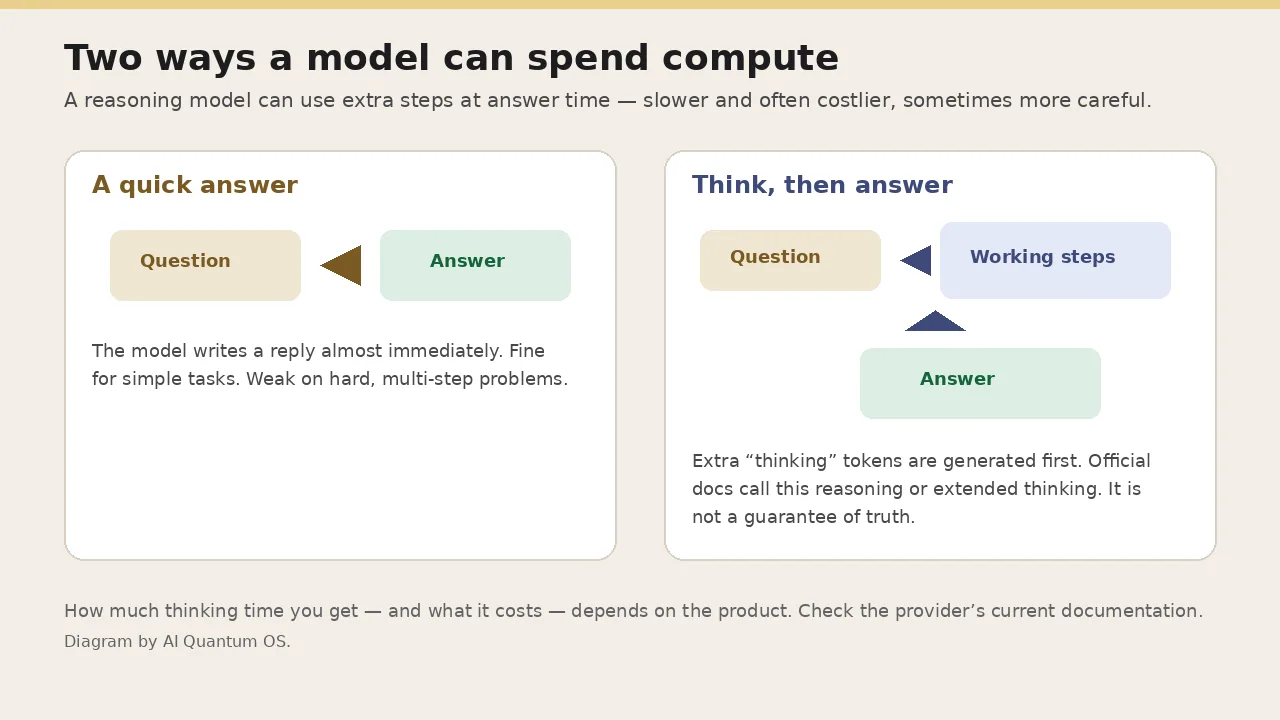
Some models now spend extra computing time “thinking” before they reply. That can help on hard tasks; it is slower, often dearer, and still not a proof of truth.
Sponsored placement
This space is available for an education-friendly sponsor. No advertiser is listed here yet, and nothing here is an endorsement.
For years, most chat models wrote an answer as soon as they could. A newer family of products — often called reasoning models, or models with a “thinking” or “extended thinking” mode — spend extra computing time on intermediate steps first, then give you the reply. OpenAI’s documentation on reasoning models, Anthropic’s guide to extended thinking, and IBM’s explainer all describe the same basic idea: you are trading latency and tokens for more work at answer time.
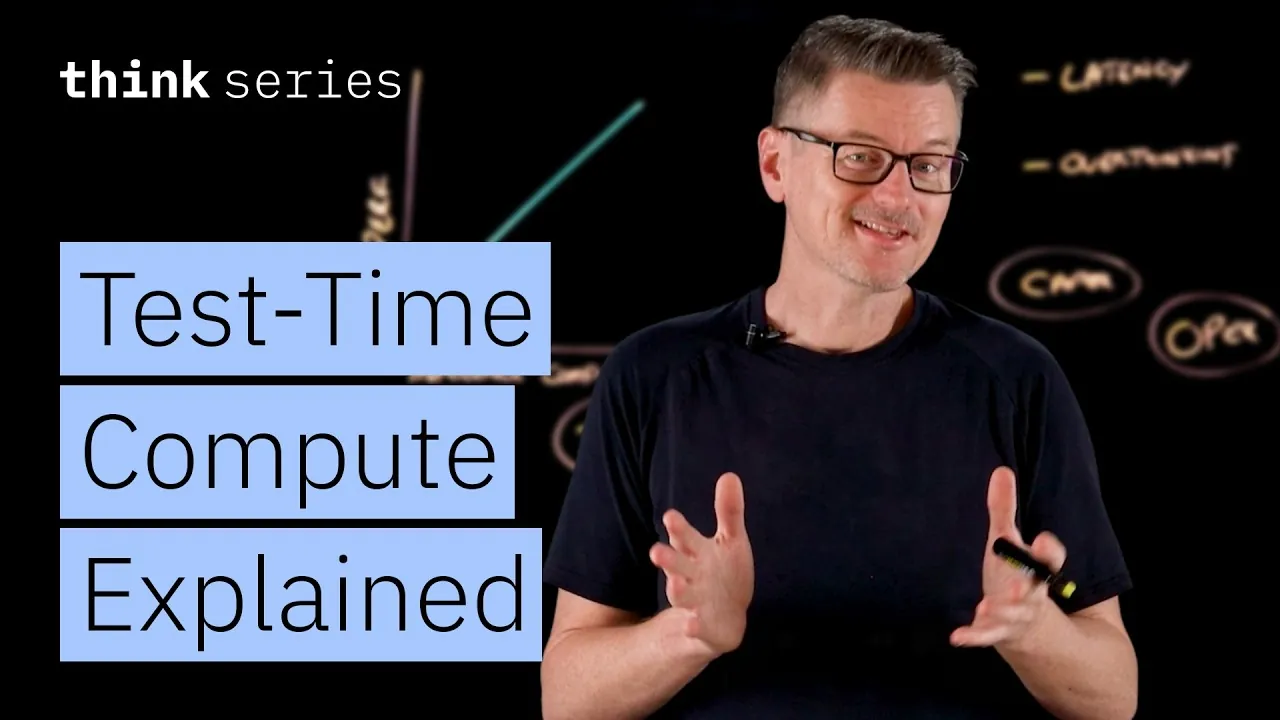
This is sometimes called test-time compute: the extra effort happens when you ask a question, not only when the model was trained. A short official video from IBM Technology, below, walks through why a model might pause to think. The extra steps can help on tasks that need planning, multi-step maths, or careful use of tools. They are a poor default for a one-line rewrite, where you mainly want a fast reply.
How you switch the mode on, how long the model is allowed to think, and how you are charged, all depend on the product, and those controls change. We are not printing a current price or a token budget here. Read the provider’s documentation for the tool you actually use — the three official pages in the sources are a start — and watch the context window if a long chain of working notes crowds out your brief. Our articles on tokens and context windows and better prompts still apply: a clear task, audience and format help, whether or not thinking is switched on.
A longer private scratchpad is not a source. Reasoning models can still hallucinate, invent a citation, or follow a bad assumption more elaborately. Treat the final answer as a draft and check anything important. The Prompting Cheat Sheet on the $10 shelf is a short, practical aid while you learn when a thinking mode is worth the wait.
When a “thinking” mode is worth the extra cost
| Question | How to read it |
|---|---|
| What is actually different? | A reasoning, or “thinking”, model can spend extra compute on intermediate steps before it answers. That usually costs more and takes longer. |
| Does extra thinking guarantee a true answer? | No. Longer deliberation is not a proof. Check important claims the same way you would for a shorter answer. |
| How should you judge the bill? | Limits and prices vary by product. Use the provider’s official docs to turn the mode on or off and to see how it is billed — not a screenshot from a forum. |
Sponsored placement
This space is available for an education-friendly sponsor. No advertiser is listed here yet, and nothing here is an endorsement.
From the $10 shelf
Prompting Cheat Sheet — Two printable pages of weak-versus-better prompt patterns, which still help when you turn a thinking mode on or off. Get it now.
What to remember
- A reasoning, or “thinking”, model can spend extra compute on intermediate steps before it answers.
- That time and those tokens usually cost more and take longer; limits and prices vary by product.
- Extra thinking is not a guarantee of a true answer — check important claims.
- Use official provider docs to turn the mode on or off and to see how it is billed.
Sources
Figures in this article come from the public sources above and may have changed since. Follow the links for the latest numbers.