Home / Articles / Jobs and work
How to review code that an AI assistant wrote
A coding agent can open a pull request in minutes. Your job has not disappeared: it has moved to the review. As of November 2026, official tools will even help with that review — which is useful, and not a reason to skip a human pass.
Sponsored placement
This space is available for an education-friendly sponsor. No advertiser is listed here yet, and nothing here is an endorsement.
The speed is real. The risk is not mysterious either: an assistant that can edit many files will sometimes edit the wrong ones, skip an edge case, or introduce a dependency you did not notice. GitHub’s Copilot overview is blunt about the last step — you remain responsible for reviewing and approving agent work. That is the right default for Cursor and Claude Code too, whose official docs describe agents that can edit files and run terminal commands. If you are still choosing a tool, use our comparison of those three assistants. This article is about the review, whichever assistant wrote the patch.
GitHub also documents Copilot code review on pull requests, including reviews you can request or run automatically, plus other pull-request help such as summaries and Agent Merge for selected blockers. Those features can catch issues you missed. They can also miss issues you would have caught. Treat them as a second reader. Do not treat a green “ Copilot reviewed this ” badge as a merge button.
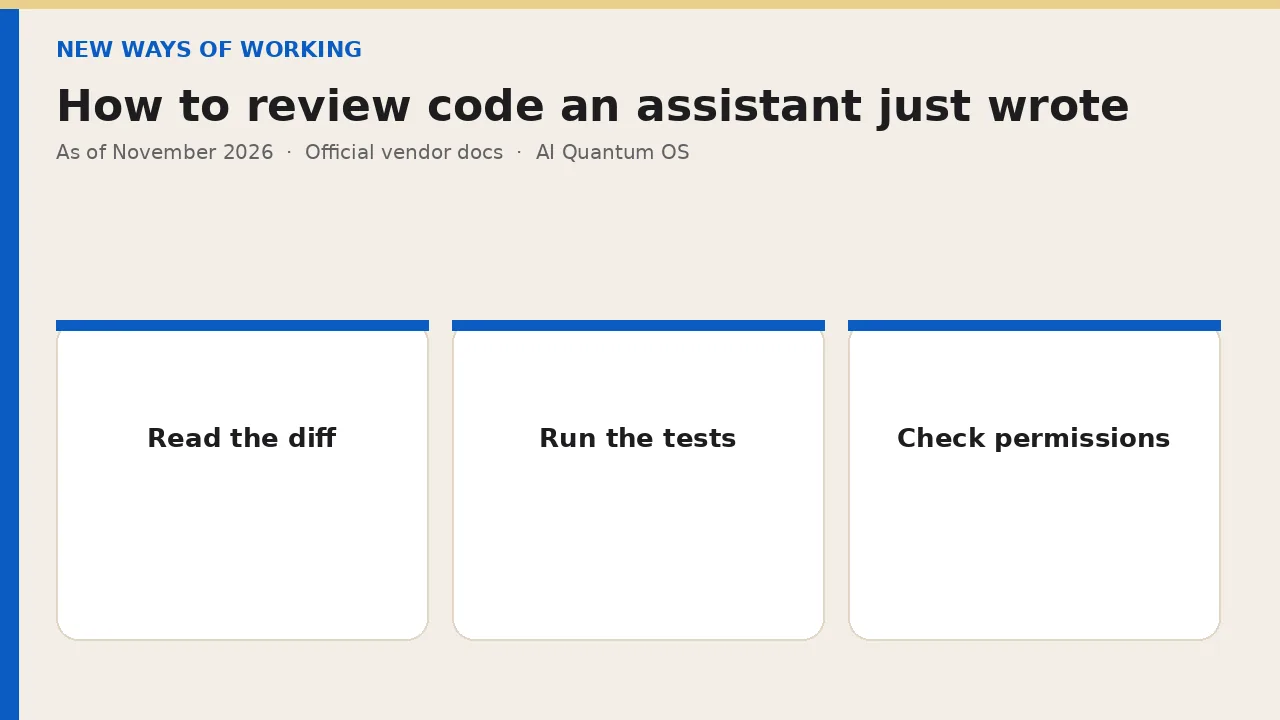
A practical review is short and strict. Read the whole diff. Run the project’s tests on the commit you are actually merging. Search the change for secrets, licence files and new packages. If the agent ran shell commands, read that log. For the same reasons we give in the prompt-injection article, do not let an unreviewed agent have production credentials. The $10 AI Agent Permission Checklist is a way to agree approval levels before the first machine-written pull request lands.
A review checklist for AI-written changes
| Check | Why it matters | What “done” looks like |
|---|---|---|
| Read the full diff, not the summary | Agents write fluent commit messages. Fluency is not evidence that the change is right or complete. | You can explain, in your own words, what will run in production after merge. |
| Run the tests and linters yourself | Official agent docs describe agents running tests. That is helpful, and it is still your pipeline that should be green. | The usual project tests pass on the reviewed commit, not only in the agent’s log. |
| Look for secrets, licences and unexpected files | Assistants paste. They can also add dependency or licence changes you did not ask for. | No new secrets, no surprise packages, no copied code you cannot explain. |
| Use official review tools as a second reader, not the only reader | GitHub documents Copilot code review on pull requests, including automatic reviews you still have to accept. | A human has approved the merge. GitHub is explicit that you remain responsible for reviewing agent work. |
Comparison as of November 2026. Re-check each vendor’s official page before you buy or deploy.
Habits that scale better than ‘trust the agent’
- Keep changes small enough to review. If the pull request is a whole feature dump, ask the agent to split it, or split it yourself.
- Watch commands the agent ran, especially anything that installs packages, changes CI, or talks to a remote system.
- Do not paste production secrets into the prompt to ‘make it work’.
- If you use Copilot, Cursor or Claude Code, start from our comparison of those tools, then come back to this review habit.
Sponsored placement
This space is available for an education-friendly sponsor. No advertiser is listed here yet, and nothing here is an endorsement.
From the $10 shelf
AI Agent Permission Checklist — Use the approval levels when a coding agent can edit files, run commands or open pull requests. Get the $10 checklist.
What to remember
- Official coding-agent docs still put a human on the hook to review and approve changes.
- GitHub documents Copilot code review and related pull-request help; those are extra readers, not a substitute for you.
- A green test run in the agent’s log is not the same as a green run in your pipeline.
- The time you save on typing should be spent on the diff, the tests and the permissions.
Sources
Figures and product features in this article come from the public sources above, as of November 2026, and may have changed since. Follow the links for the latest details. This is not a recommendation to buy any tool.